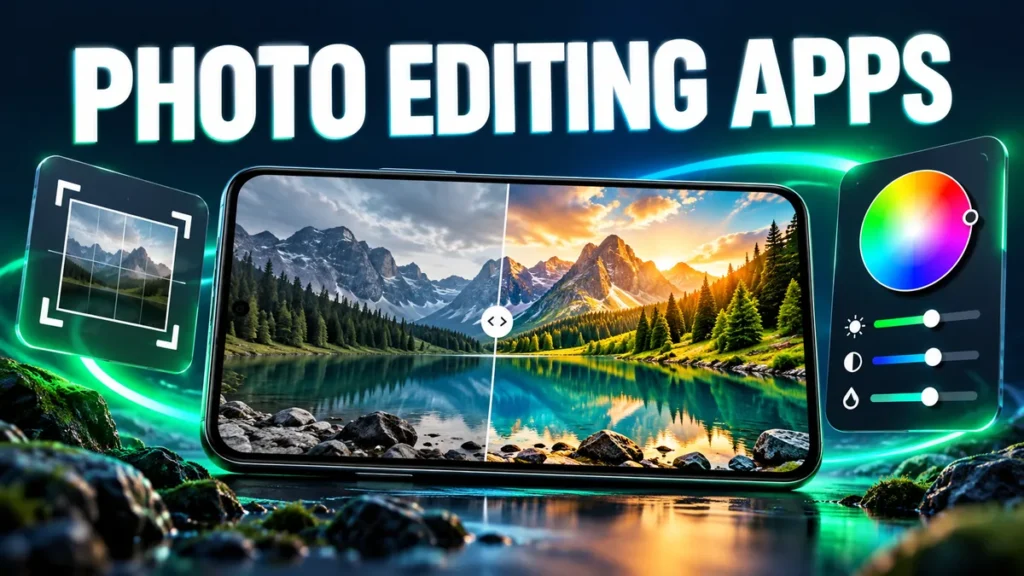
A good photo editor can turn an average phone picture into something you are proud to post. The trouble is choosing: some apps are simple filter packs, others are full professional tools, and many now use AI for one-tap fixes. Here are the Android photo editors that are genuinely worth your storage space.
1. Snapseed: best free editor
Made by Google and completely free with no ads, Snapseed offers precise tools: curves, selective adjustments, healing, perspective correction and RAW support. It does not have trendy AI effects, but for real photo editing it is hard to beat.
Best for: anyone who wants control without paying.
2. Adobe Lightroom Mobile: best for colour
Lightroom is the standard for colour grading. Presets, masking, a good RAW engine and syncing with desktop make it ideal for photographers. Some masking and AI features need a subscription.
Best for: consistent colour across a feed or portfolio.
3. Picsart: best all-in-one creative app
Picsart combines photo editing, collages, stickers, text, AI backgrounds and templates. It is more of a creative studio than a pure photo editor.
Best for: social media posts, thumbnails and fun edits. See our Picsart page.
4. Remini: best for restoring old or blurry photos
Remini uses AI to sharpen faces, restore old scans and enhance low-resolution pictures. Results can be impressive on portraits, though it sometimes over-smooths skin.
Best for: old family photos and blurry selfies. More on our Remini page.
5. Photoroom: best for product photos
Photoroom removes backgrounds in one tap and places your subject on clean studio backgrounds, which is perfect for online shops and marketplace listings.
Best for: sellers and small businesses. See the Photoroom page.
6. Hypic: AI art and portrait effects
Hypic focuses on AI-driven effects: portrait retouching, AI art styles, background changes and body editing. It is popular for stylised profile pictures.
Details on our Hypic page.
7. Photoshop Express and Canva
Photoshop Express offers quick fixes, blemish removal and collages from Adobe. Canva is a design tool rather than a photo editor, but it is the fastest way to turn a photo into a poster, story or thumbnail.
Which app should you choose?
| You want to… | Use |
|---|---|
| Edit photos properly for free | Snapseed |
| Get a consistent colour look | Lightroom |
| Make fun social posts | Picsart, Canva |
| Fix blurry or old photos | Remini |
| Remove backgrounds | Photoroom |
| Create AI-styled portraits | Hypic |
Five editing tips that make a big difference
- Straighten first. A tilted horizon ruins an otherwise good photo.
- Adjust exposure before colour. Fix brightness and contrast, then work on saturation.
- Use selective edits. Brighten a face instead of the whole picture.
- Go easy on filters. Drop a filter’s strength to 40 to 60 percent for a natural look.
- Export at full quality. Avoid compressing twice by editing the original, not a WhatsApp copy.
Frequently asked questions
Which photo editor has no ads?
Snapseed is free and has no ads at all.
Do AI enhancers upload my photos?
Most AI tools, including Remini and Photoroom, process images on their servers. Avoid uploading private or sensitive pictures.
Can phone editors handle RAW files?
Yes. Snapseed and Lightroom both edit DNG RAW files from phones that can shoot RAW.

No Comments
Comment on